Skip to content
woodorking.com
  • Fusion 360 Tutorials
  • Downloads
  • What is Woodorking

Fusion 360 Tutorials

Using Fusion 360, a powerful 3D modeling software to create shop fixtures, tools, furniture, and more.

  • Home
  • Fusion 360 Tutorials
Ep 1: Creating a fully parametric mortising template in Fusion 360
Posted in3D Printing Fusion 360 Tutorials

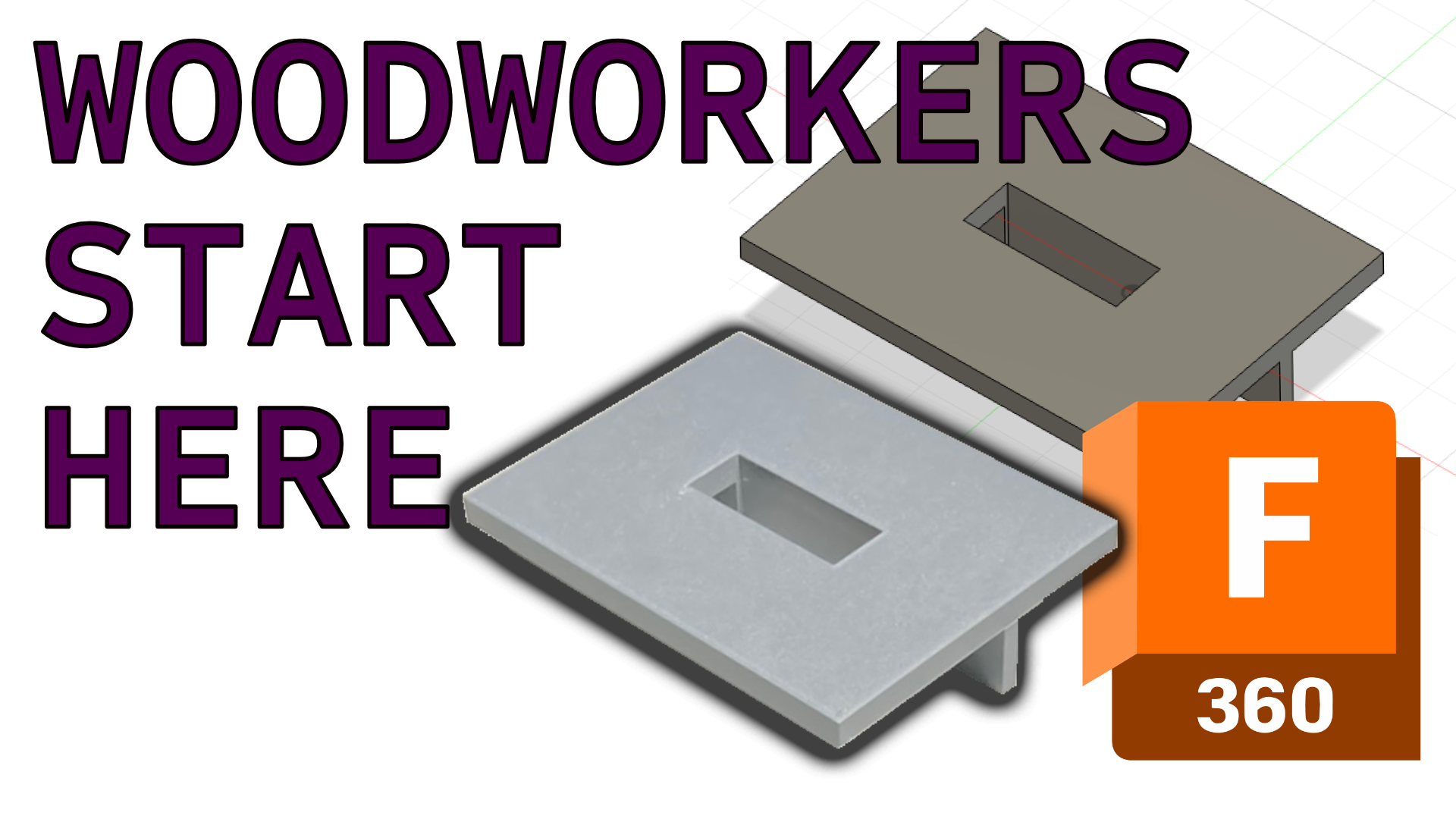
Ep 1: Creating a fully parametric mortising template in Fusion 360

 If you like to geek out in your woodshop and want to bring Fusion 360 into your workflow, this is the place to start! Parameters used in this tutorial:…
Posted by Ben Strano October 6, 2025
Ep 2: A simple cabinet with frame-and-panel doors
Posted inFusion 360 Tutorials

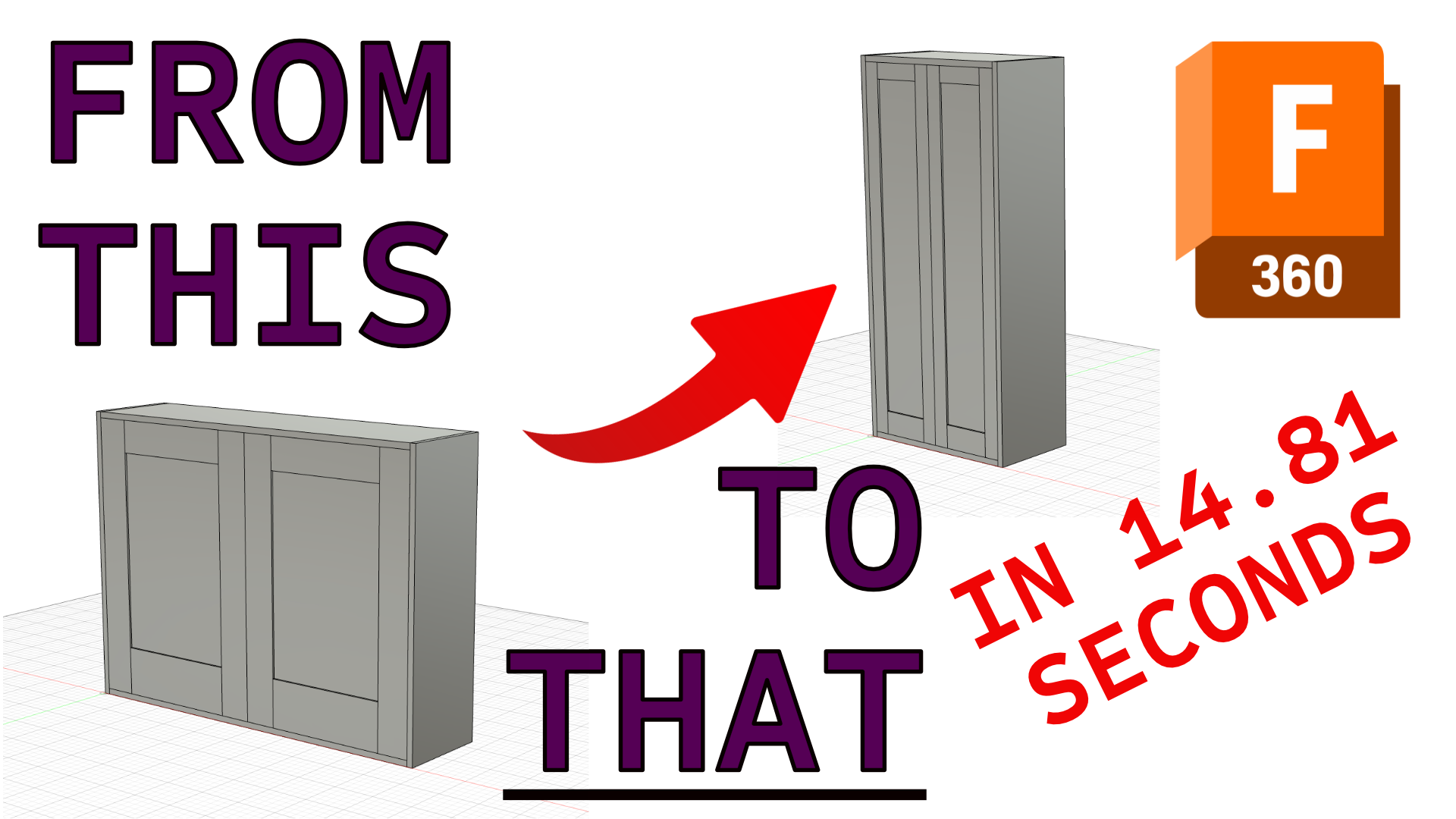
Ep 2: A simple cabinet with frame-and-panel doors

Create a fully parametric wall cabinet with a matched pair of frame-and-panel doors Now that we have covered the basic concept of a parametric model in episode one of our…
Posted by Ben Strano October 6, 2025
Ep 3: The simple cabinet gets a back and shelf
Posted inFusion 360 Tutorials

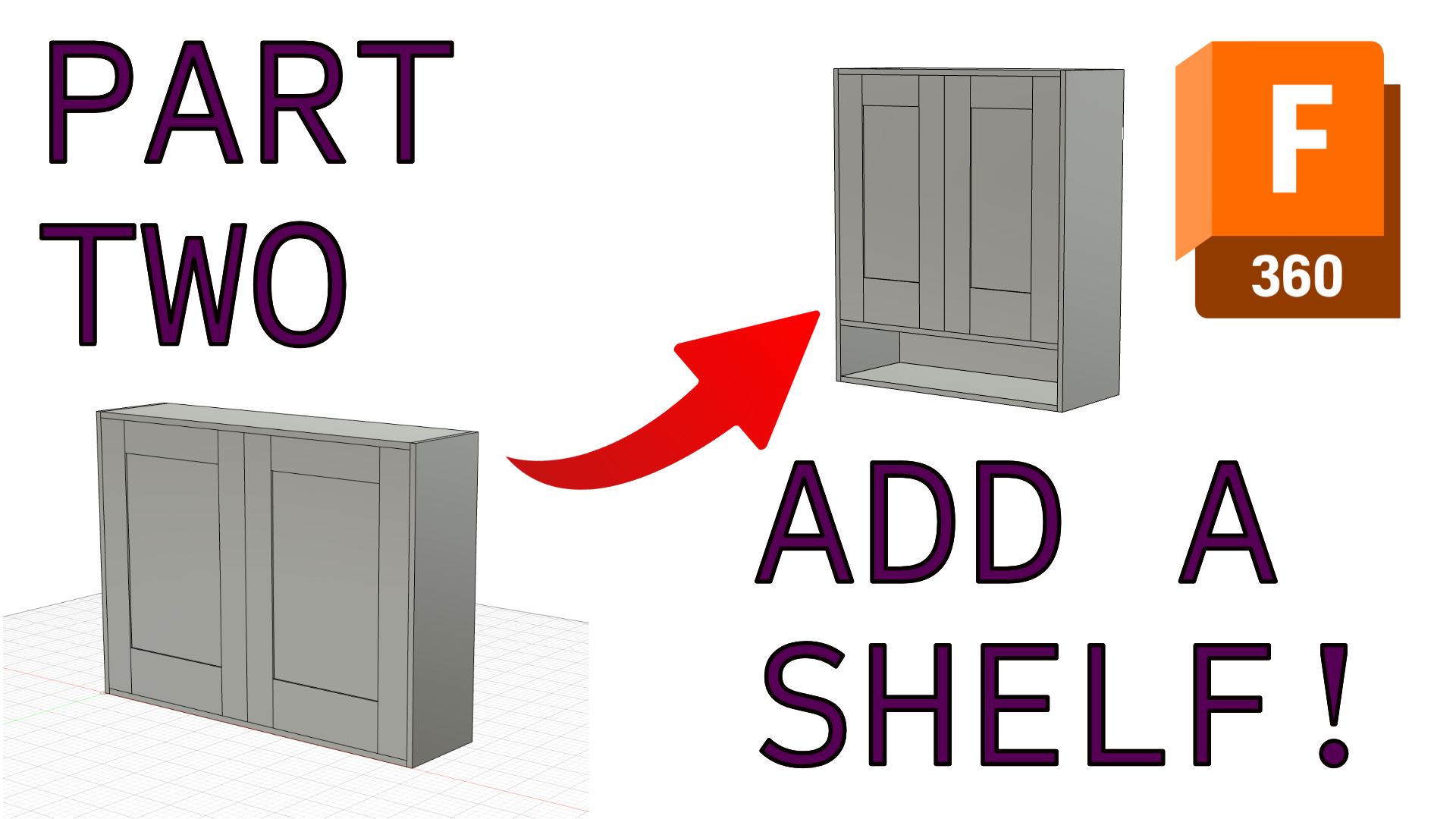
Ep 3: The simple cabinet gets a back and shelf

In this episode, we finish off the simple cabinet by adding a back rabbet, the back, and a fully parametric shelf. Parameters used in this tutorial: Rabbet = CaseThickness/3 ShelfHeight…
Posted by Ben Strano October 6, 2025
Ep 4: Tapered-Leg Table
Posted inFusion 360 Tutorials

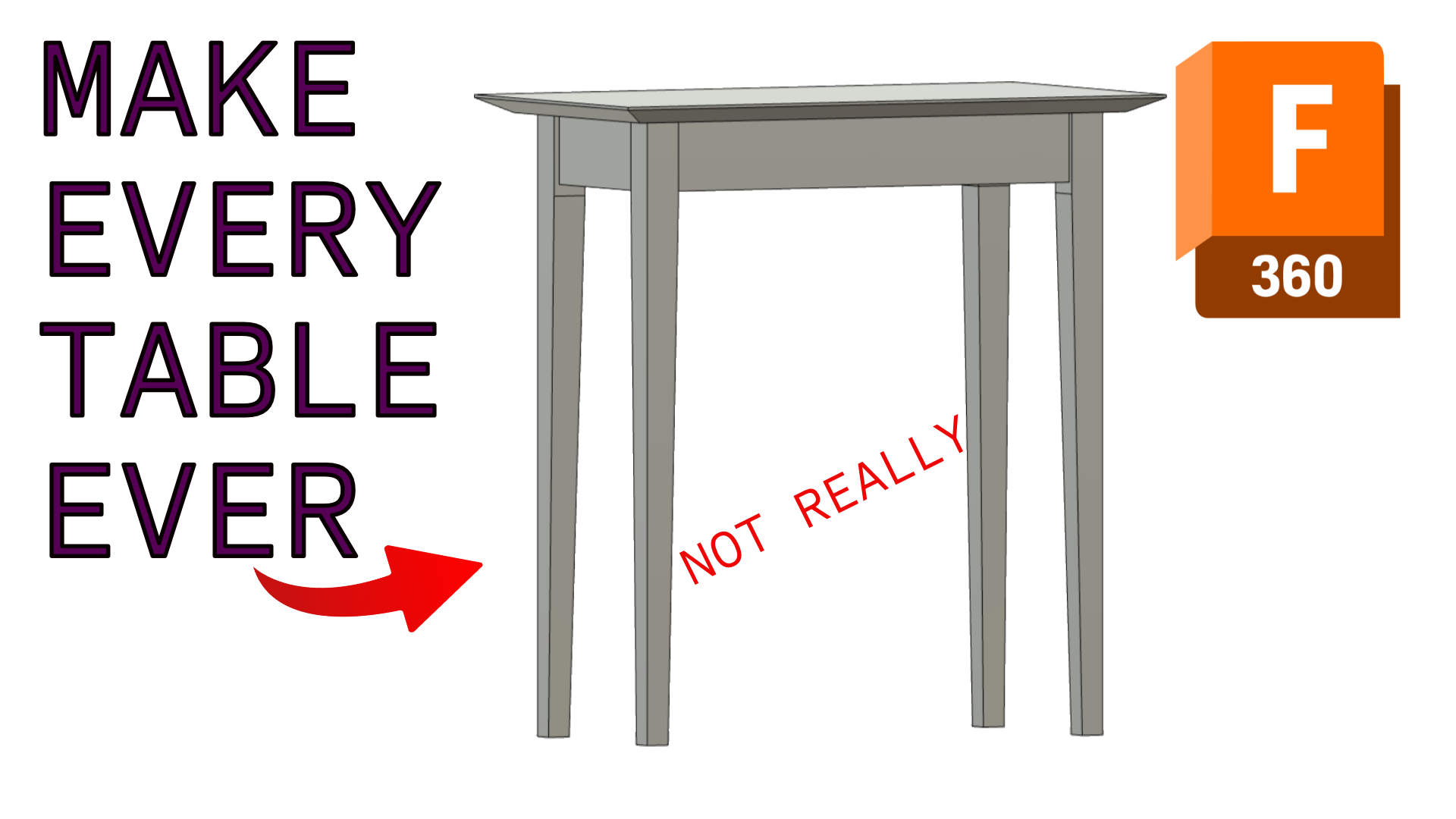
Ep 4: Tapered-Leg Table

 In this episode, we make a simple Shaker-inspired side table that can easily be manipulated into just about any size table you need. Parameters used in this tutorial: Height…
Posted by Ben Strano October 6, 2025

Categories

  • 3D Printing
  • CNC
  • Downloads
  • Fusion 360 Tutorials
  • Shop Gadgets

Recent Posts

  • G-Code and M-Code Flashcards
  • Ep 1: Creating a fully parametric mortising template in Fusion 360
  • Ep 2: A simple cabinet with frame-and-panel doors
  • Ep 3: The simple cabinet gets a back and shelf
  • Ep 4: Tapered-Leg Table
Copyright 2026 — woodorking.com. All rights reserved. Bloghash WordPress Theme
Scroll to Top